Track your spending,
effortlessly
Add expenses in seconds with AI, get beautiful insights, and keep your data private. The expense tracker that respects your time.
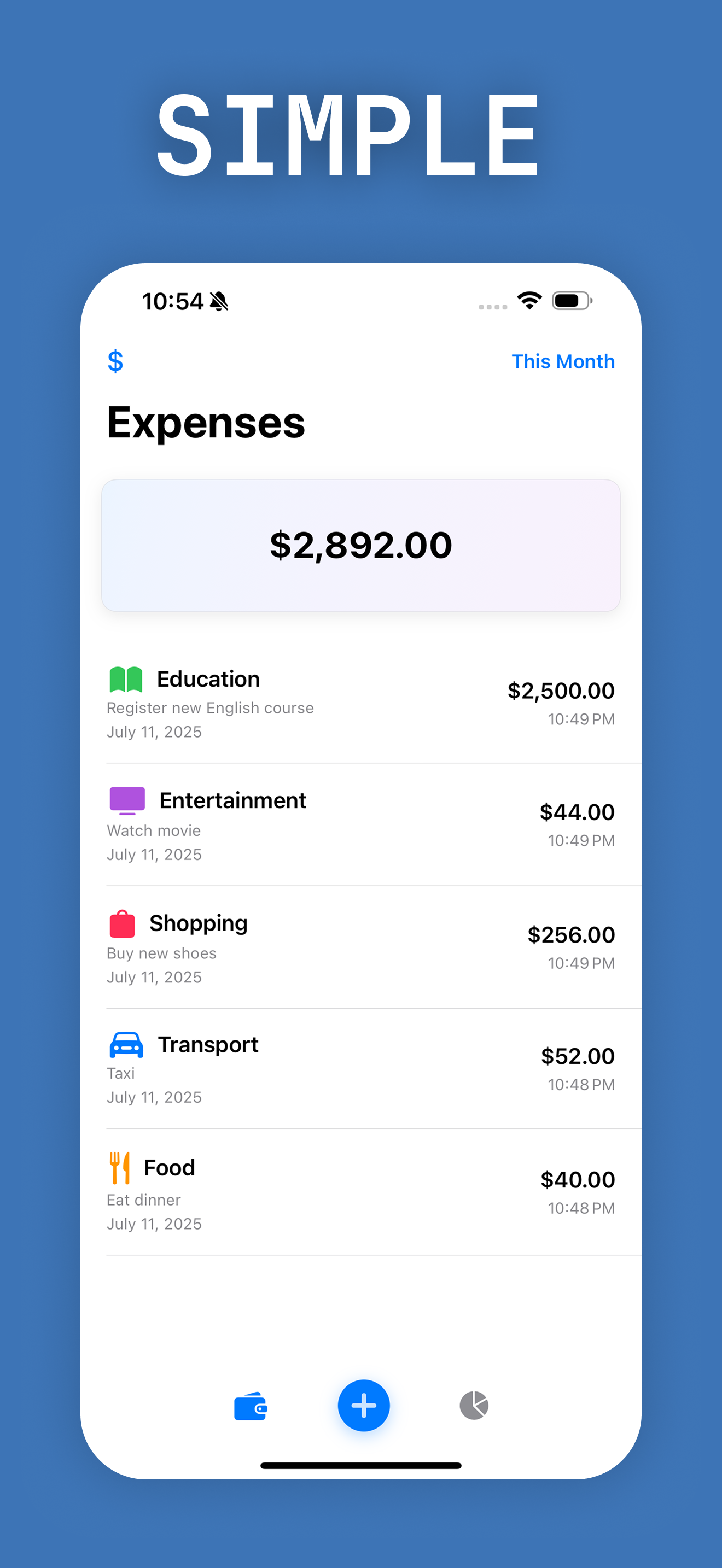
See it in action
Beautiful, intuitive, and packed with powerful features

Everything you need,
nothing you don't
Powerful expense tracking that respects your time and privacy
AI Assistant
Describe your spending naturally — "Spent $25 on lunch" — and Veex parses amount, category, and date automatically.
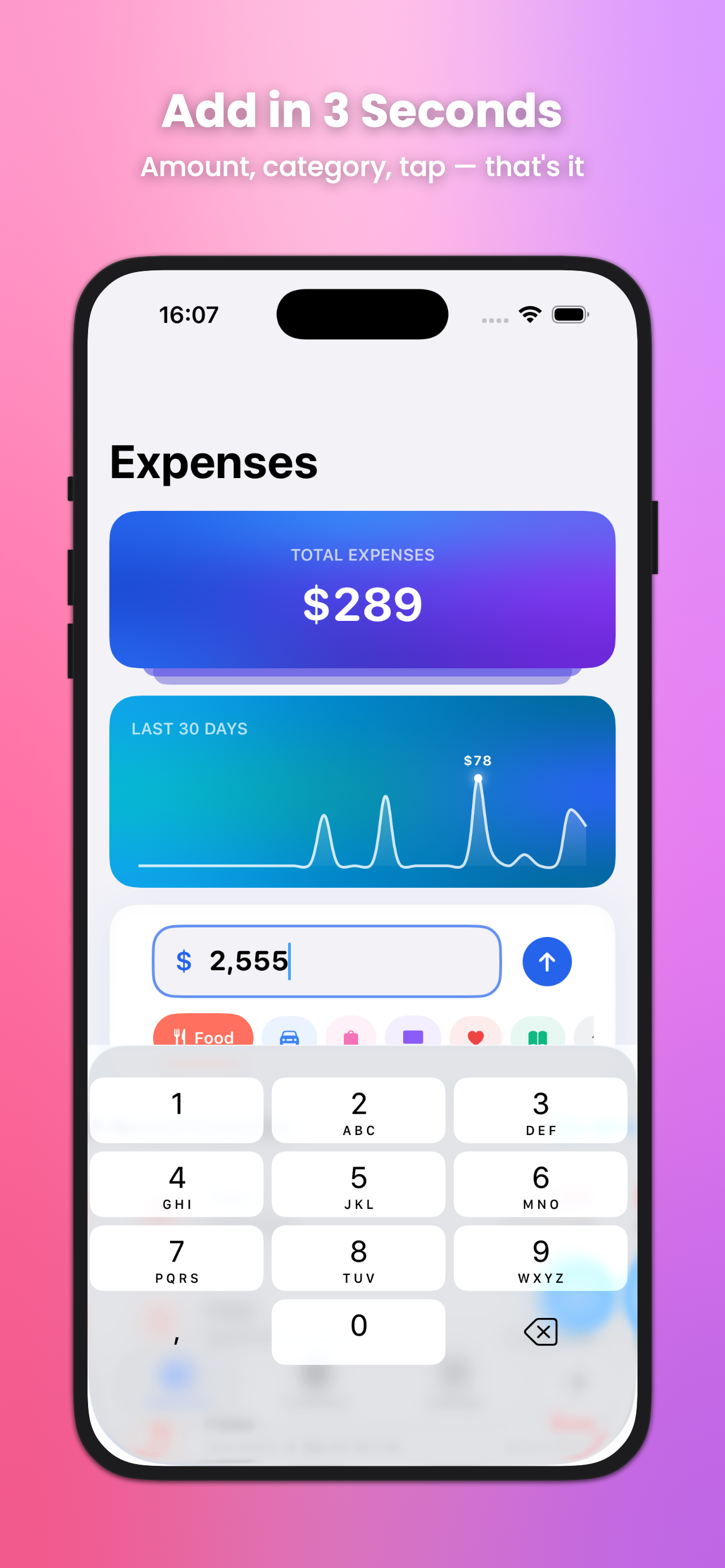
3-Second Entry
Amount, category, done. Add any expense in under 3 seconds with smart defaults and visual categories.
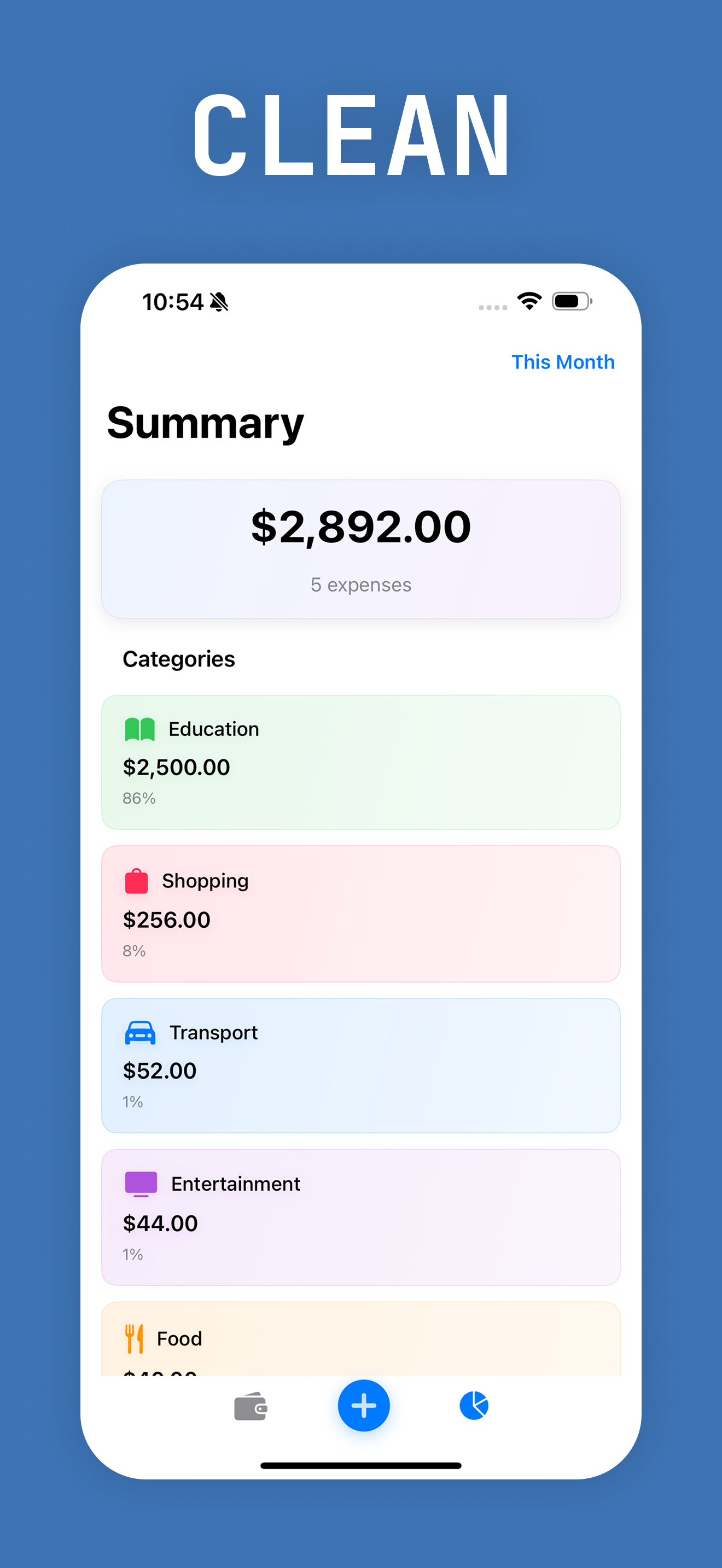
Deep Analytics
Pie charts, daily spending trends, category rankings, and detailed breakdowns to understand your habits.
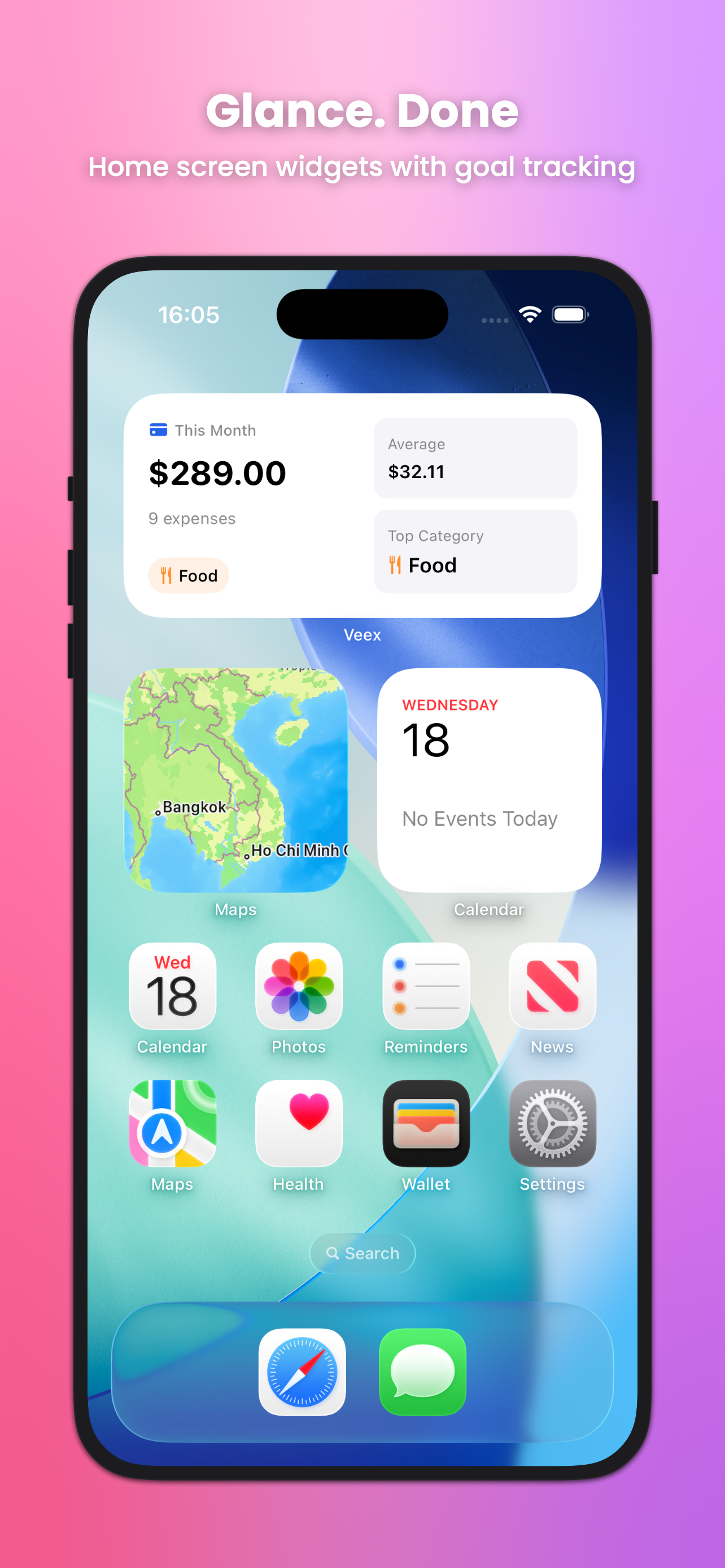
Home Widgets
See your spending and monthly goals right from your home screen — no need to open the app.
Privacy First
All data stays on your device. No accounts, no cloud, no tracking. Your finances are yours alone.
Multi-Language
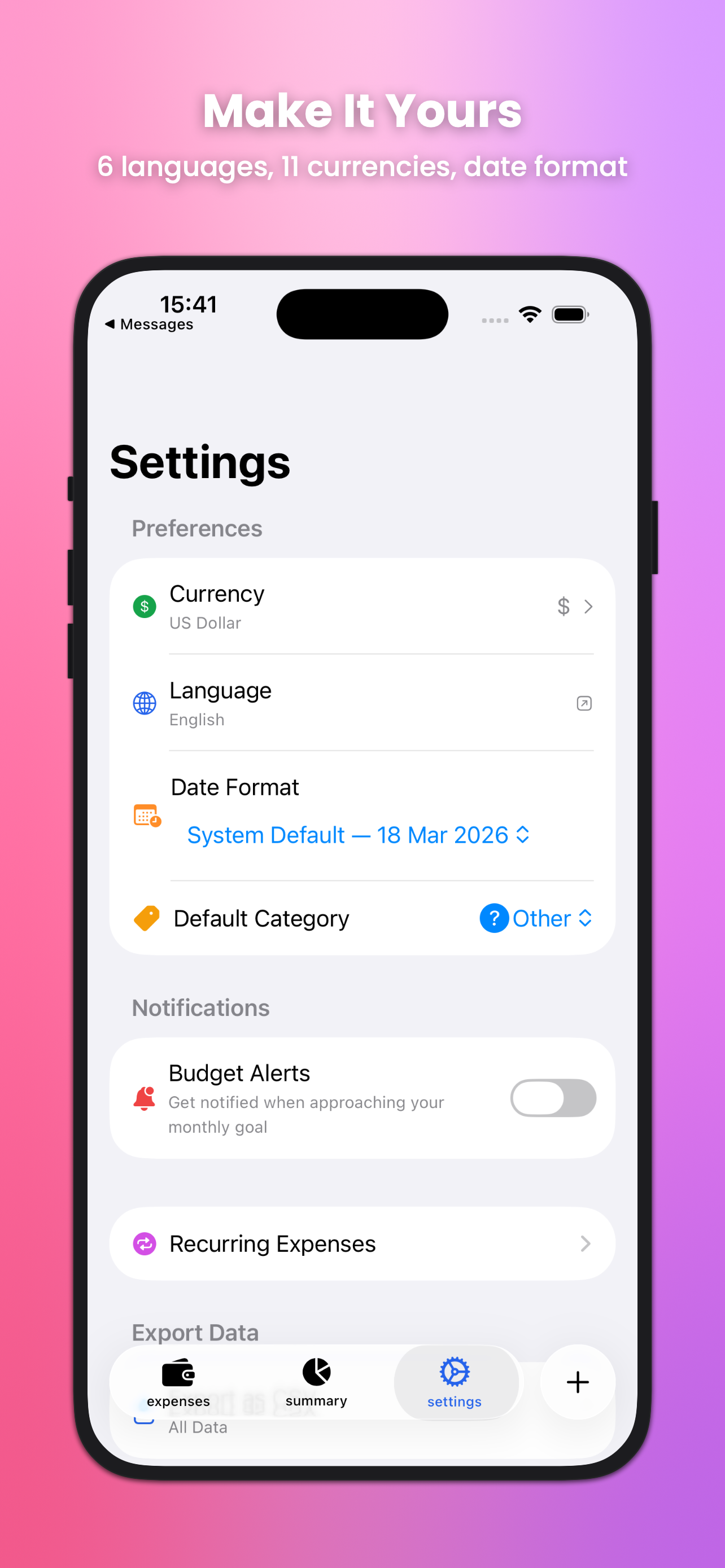
Available in English, Vietnamese, Korean, Chinese, Japanese, and Spanish with 11 currencies.
Frequently asked questions
Everything you need to know about Veex
Tap the "+" button at the bottom, enter the amount, select a category, and you're done. You can also use the AI assistant — just type something like "Coffee $5" and it handles the rest.
Veex includes 8 color-coded categories: Food, Transport, Shopping, Entertainment, Education, Health, Utilities, and Other. Each has its own icon and color for easy visual identification.
The AI runs entirely on-device using Apple's built-in intelligence. Describe your spending naturally — like "Uber ride $15 yesterday" — and it automatically extracts the amount, category, and date. No internet required.
Yes! Tap any expense to edit its amount, category, date, or notes. You can also swipe to delete. All changes are saved instantly on your device.
Absolutely. All data is stored locally on your device only. There are no accounts, no servers, and no data collection. Your financial information never leaves your phone.
Yes — Veex supports 11 currencies including USD, EUR, GBP, JPY, KRW, VND, and more. You can switch currencies anytime in Settings.
Ready to take control
of your spending?
Download Veex for free. No accounts. No subscriptions. Just simple, beautiful expense tracking.
Download on the App StoreNeed help?
We usually respond within 24 hours